
How to Check for a Texas County Warrant
There is no public warrant database for Texas County. The official Texas County Sheriff page links to sheriff sales and the state offender registry, not a warrant list. So the honest first move is a phone call, not a web form.
Start with the agency that holds the warrant. For a county criminal matter, call the Texas County Sheriff at 580-338-4000 and ask about warrant status, surrender steps, and bond. The sheriff's office sits at 1102 S. Ellison in Guymon. For court-side detail, the Texas County Court Clerk at 580-338-3003 can point you to the case docket. That docket is where a bench warrant, search warrant, or failure-to-appear entry usually shows up.
The official Texas County Sheriff page sets out the office contact details and the registry links the county does publish, which is helpful context for what the office does and does not host online.
You can see the office and its published tools on the Texas County Sheriff page maintained by the county.

The page confirms the sheriff is the right local contact for a warrant question, even though it does not run a searchable warrant tool. Treat any third-party "Texas County warrant" site as unverified and check directly with the sheriff or the court.
Official Warrant Access Channels in Texas County
Because no single lookup exists, the practical answer is a short chain of official channels. Each one covers a different slice of the warrant picture. Use more than one when the first comes back unclear.
The sheriff and the court clerk are the local anchors. The statewide docket systems fill in case detail. Guymon Municipal Court covers city citations that never reach the District Court file. State tools round out criminal history and custody, but they do not replace a warrant check.
- Texas County Sheriff - call 580-338-4000 for warrant status, surrender, and bond questions.
- Texas County Court Clerk - 580-338-3003; the docket may show warrants issued, served, recalled, or returned.
- ODCR and OSCN - search the District Court by name or case number; docket entries flag warrant activity.
- Guymon Municipal Court - city traffic, parking, and ordinance warrants, separate from the District Court.
- OSBI CHIRP - a statewide criminal-history report, not a live warrant search.
- Oklahoma VINE and DOC - custody status after an arrest, not a warrant lookup.
The county-linked court system, On Demand Court Records, lets you search participating Oklahoma courts by party name and case type. For a deeper case view, the OSCN docket search covers Texas County District Court by name, date of birth range, and case type. A warrant tied to a filed case often appears in those docket entries.
Texas County Warrant Search Options
Each channel asks for different information. The sheriff has no public warrant form, so that path is a phone call. The court systems do have search fields, and using the right ones speeds the result.
Oklahoma case numbers carry a type prefix. Search warrants use the SW prefix. Felony cases use CF, misdemeanors use CM, and traffic uses TR. Knowing the likely prefix helps when a name returns several matches. The table below maps the realistic warrant-search paths and what each one expects.
| Search Path | Field | Required | Notes |
|---|---|---|---|
| Texas County Sheriff | No public form | n/a | Call 580-338-4000; no online warrant search exists. |
| ODCR | Party name | Optional | Last, First format; select Texas as the court. |
| ODCR | Type of case | Optional | Search Warrants, Criminal Felony, Criminal Misdemeanor, Traffic Tickets. |
| OSCN | Party search | Optional | Name, date-of-birth range, and party type. |
| OSCN | Case type | Optional | SW (Search Warrant), CF, CM, TR, PO and more. |
| Guymon Municipal Court | Citation / account lookup | Unspecified | Online pay may be down; call 580-338-3501 for help. |
Public docket searches in both systems are free for records the publishing courts provide. ODCR also takes online payments for some case types, and OSCN runs daily docket and daily filing reports by county. One caution matters for warrants. OSCN states its citation search covers District Court only and does not reach municipal citations. So a Guymon city warrant will not appear in an OSCN citation lookup.
The Guymon Municipal Court page handles city misdemeanor traffic, parking, and ordinance offenses. The city pay-online tool can be temporarily unavailable, so a call confirms a municipal warrant or unpaid citation fastest.
Types of Warrants in Texas County
Warrants are not all the same. The type shapes who issued it, why, and how you clear it. Some flow from a new criminal charge. Others come from missed court dates or unpaid costs. A few are tied to civil compliance.
- Arrest warrant - directs law enforcement to arrest a person on a criminal charge.
- Bench warrant - issued by a judge for a missed appearance, nonpayment, probation violation, or contempt.
- Search warrant - authorizes a search or seizure and may appear under the SW case type.
- Capias or capias pro fine - court-issued custody process after a nonappearance or unpaid fine and cost.
- Civil or body attachment - arises in contempt, child support, or other court-ordered compliance matters.
- Sealed warrant - may not be visible to the public before it is served.
The charges behind a warrant move through the case as it proceeds. To follow how a prosecutor files and amends counts, the Texas County court charge records page tracks that side in more detail.
What a Texas County Warrant Record Shows
When a warrant appears in a District Court docket, it carries a set of fields. These mirror the warrant and bond entries the Court Clerk keeps in the appearance docket. The exact layout varies by case type, but the core items are consistent.
| Field | What It Shows |
|---|---|
| Case / Warrant Number | The District Court case number and the docket entry tied to the warrant. |
| Issue Date | The date the judge or court issued the warrant. |
| Warrant Type | Arrest, bench, search, or capias, often noted in the docket text. |
| Charge or Reason | The underlying offense, missed hearing, or nonpayment that prompted it. |
| Bond Amount | Any bond set for release, when listed. |
| Issuing Court / Judge | The Texas County District Court or assigned judge. |
| Status | Issued, served, returned, recalled, or quashed. |
The Court Clerk maintains the appearance docket for every case filed in Texas County. That docket is where warrant entries, bond settings, and recall orders are logged as a case moves. Older matters or recently filed ones may not show online yet. When the portal returns nothing, that does not prove no warrant exists, so the clerk's counter is the backstop.
A docket line is not a certified record. For an official copy of a warrant or a recall order, contact the Court Clerk. The full case file, plea, and disposition live in the Texas County criminal court records.
How to Resolve an Outstanding Warrant
Ignoring a warrant rarely makes it go away. It can lead to arrest at a traffic stop or a routine encounter. Clearing it on your own terms is almost always the better path. The steps below work for both District Court and Guymon city warrants.
- Confirm the warrant with the issuing court or the Sheriff's Office. Do not assume a web result is current.
- Identify whether it is District Court or municipal. District Court points to the Court Clerk, sheriff, ODCR, or OSCN. A Guymon city citation points to Guymon Municipal Court.
- Ask whether bond is set and which payment methods the office accepts.
- Ask whether a new court date can be set or whether voluntary surrender is required.
- If the warrant ties to a criminal case, consult counsel before making statements or appearing.
- After it clears, confirm the recall or quash entry is posted and keep your receipts and orders.
Important: Talk to a lawyer before you surrender on a criminal warrant, because what you say at intake can affect the case against you.
Warrant Lookups Through Mobile Apps
No mobile app gives a Texas County warrant search. The sheriff's office has no app in official listings, and no separate Guymon police app was found. So a phone call remains the local route.
The City of Guymon does offer an app on the App Store and Google Play. Its listings describe events and push notifications only. There is no warrant search, no most-wanted list, and no inmate or court-case lookup inside it. The City of Guymon site links both versions for residents who want city alerts.
For custody status after an arrest, the VINELink app is the relevant tool. It checks whether a person is in custody and registers you for notifications. The Oklahoma VINE portal offers the same service by web and phone. Keep in mind this tracks custody, not warrants, so it answers a different question than a warrant check.
Restricted and Sealed Texas County Warrant Records
Not every warrant is open to the public. Some are restricted by law, and others are simply hidden until they are served. Knowing which records stay closed prevents wasted searches and false conclusions.
Sealed warrants may not appear in any public docket before an arrest is made. Juvenile matters are confidential under Oklahoma law, so warrants or filings involving minors are generally not open to a public searcher. Federal warrants follow a separate system entirely and would not show in county or state court dockets.
Oklahoma's Office of Juvenile Affairs explains how juvenile records are kept confidential and why they stay out of ordinary public view.
You can read the confidentiality rules on the Oklahoma juvenile records FAQ published by the state.
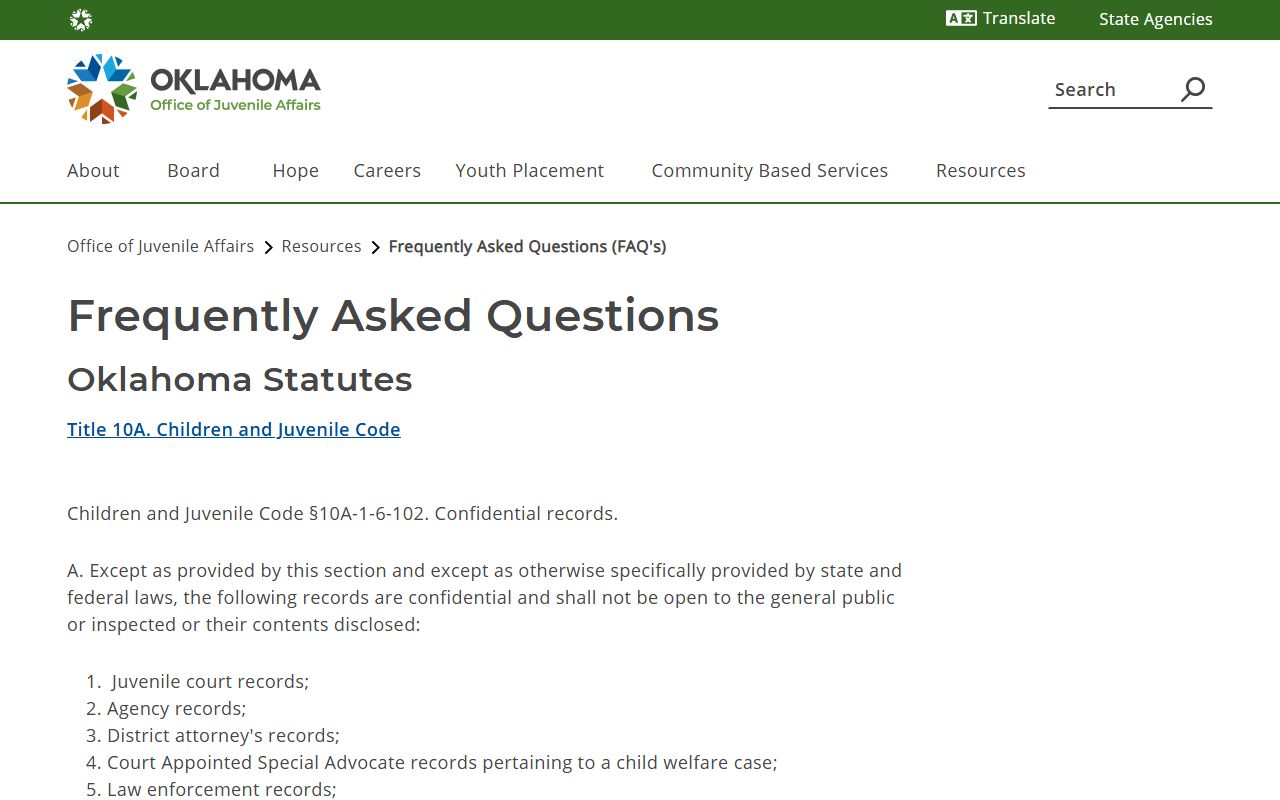
The FAQ confirms juvenile case information is shielded, which is why a name search may show nothing for a minor even when a matter exists. For statewide criminal history rather than a live warrant, the OSBI CHIRP portal handles formal record requests, though it cannot tell you whether a warrant is active right now.